Build a Wiper Component Sourcing Matrix
Published by QINAI (瑞安市汽耐雨刷制造有限公司).
A sourcing matrix links each requested item to its candidate model, evidence, review status and order unit. It is most useful for mixed requirements where similar photographs or customer codes could otherwise be mistaken for one confirmed item.
Which columns should the matrix contain?
Keep identification, technical review and purchasing fields separate. The table below is a record template, not a completed approval or a statement of model compatibility.
| Field group | Fields to record |
|---|---|
| Requirement | Customer item, front/rear position, supplied item |
| Candidate | Full QINAI model, image reference, mating parts |
| Evidence | Drawing revision, sample ID, review record |
| Decision | Candidate, unresolved, accepted for stated scope, or rejected |
| Order | Quantity, unit, pack contents and outstanding terms |
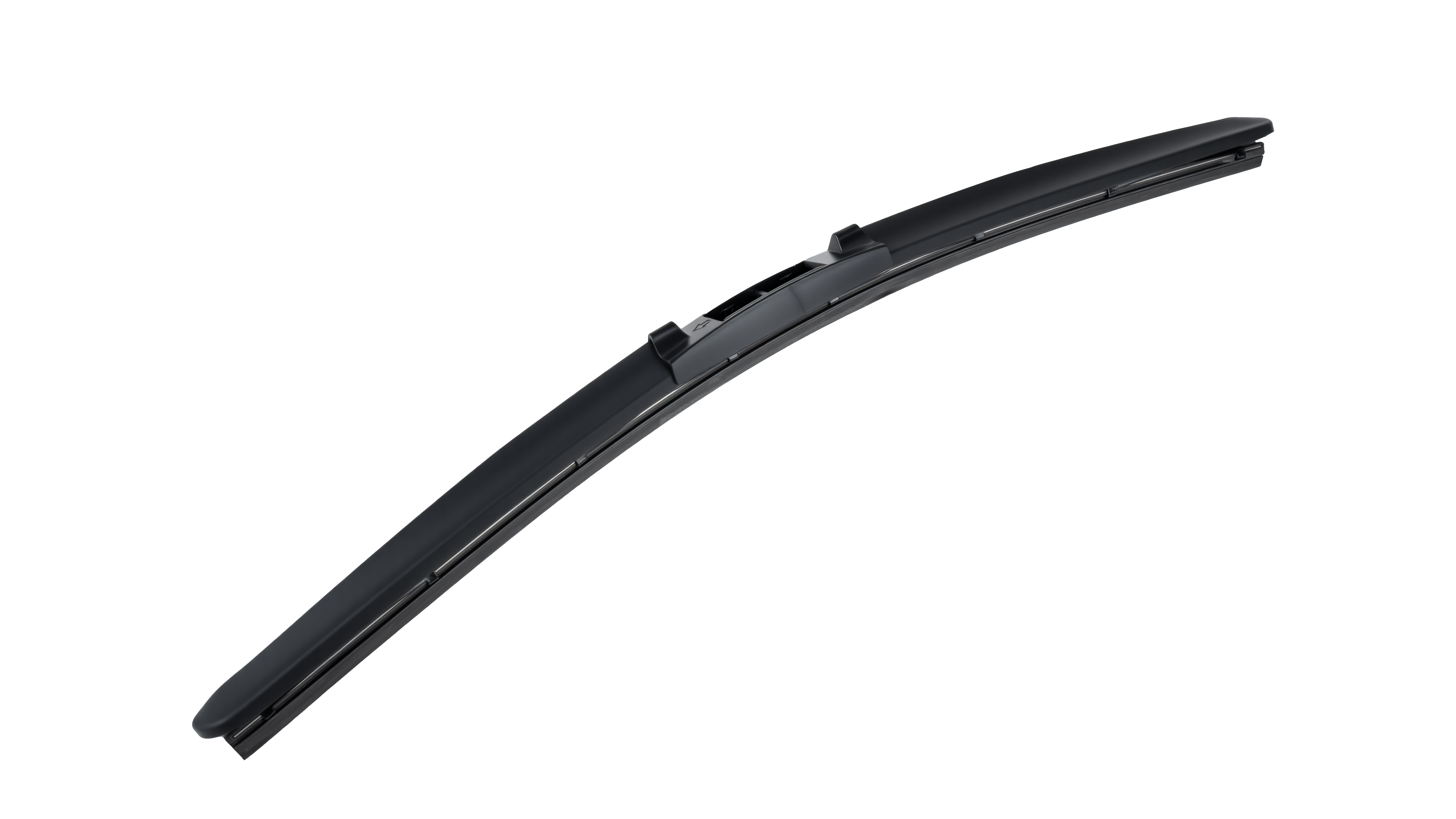
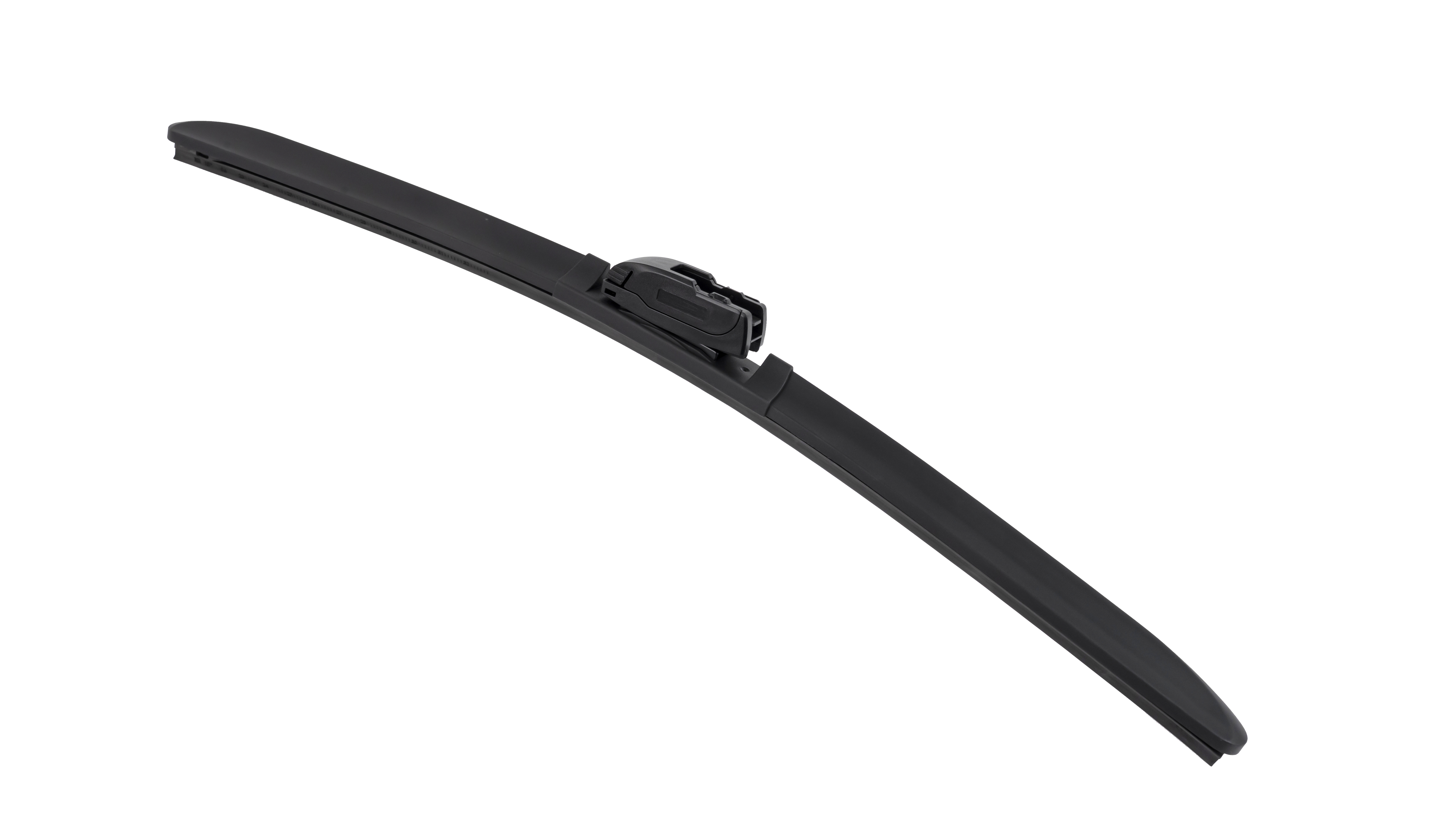
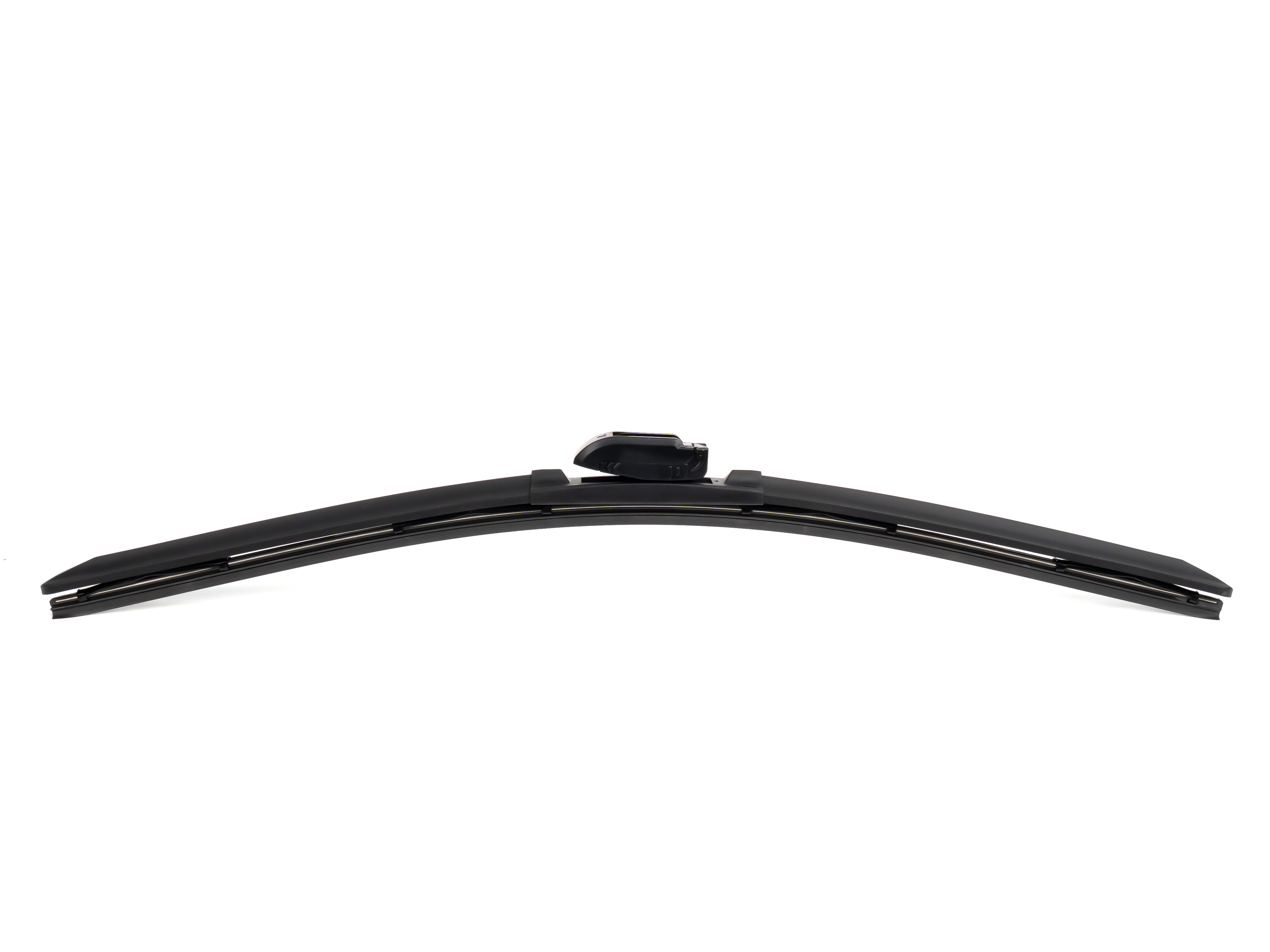
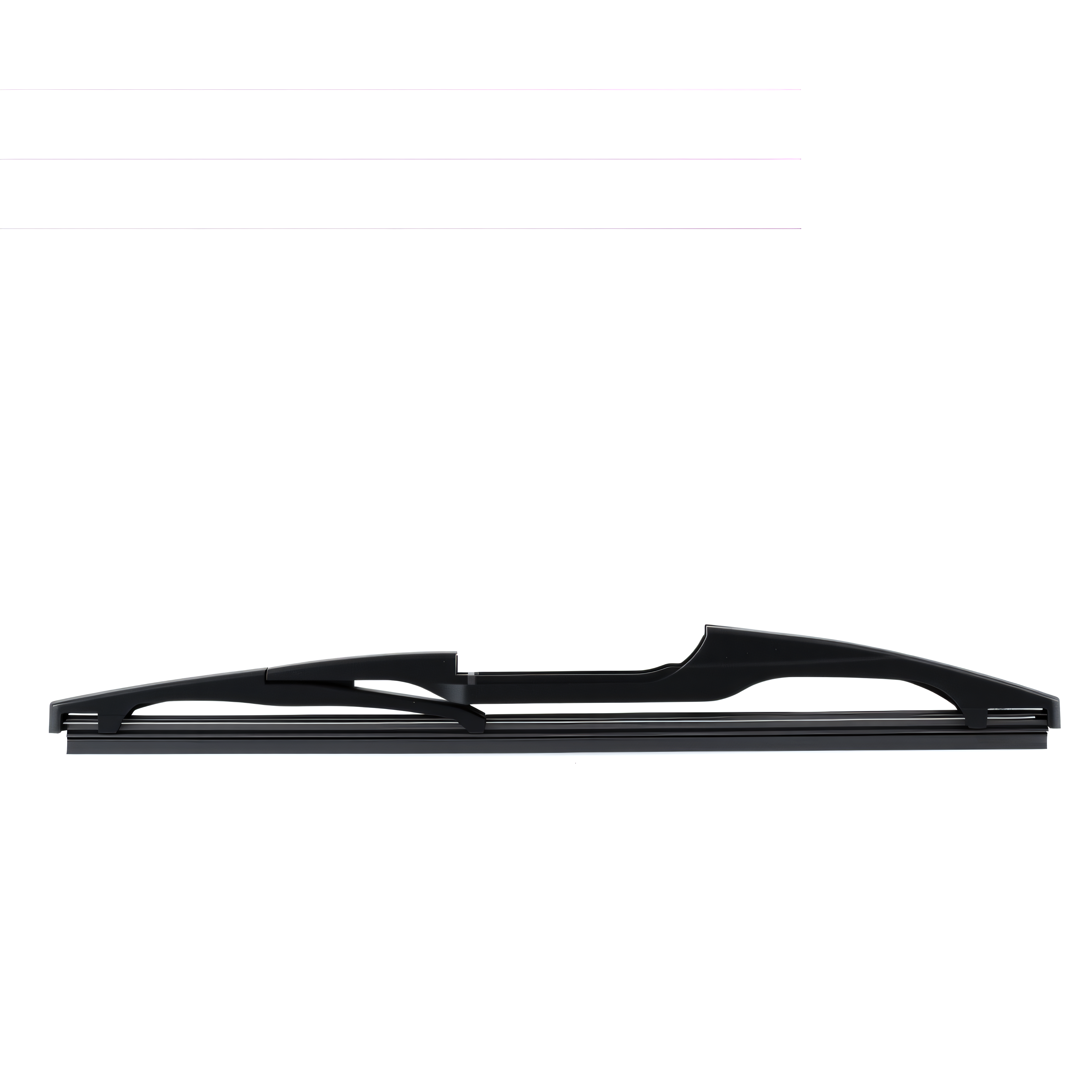
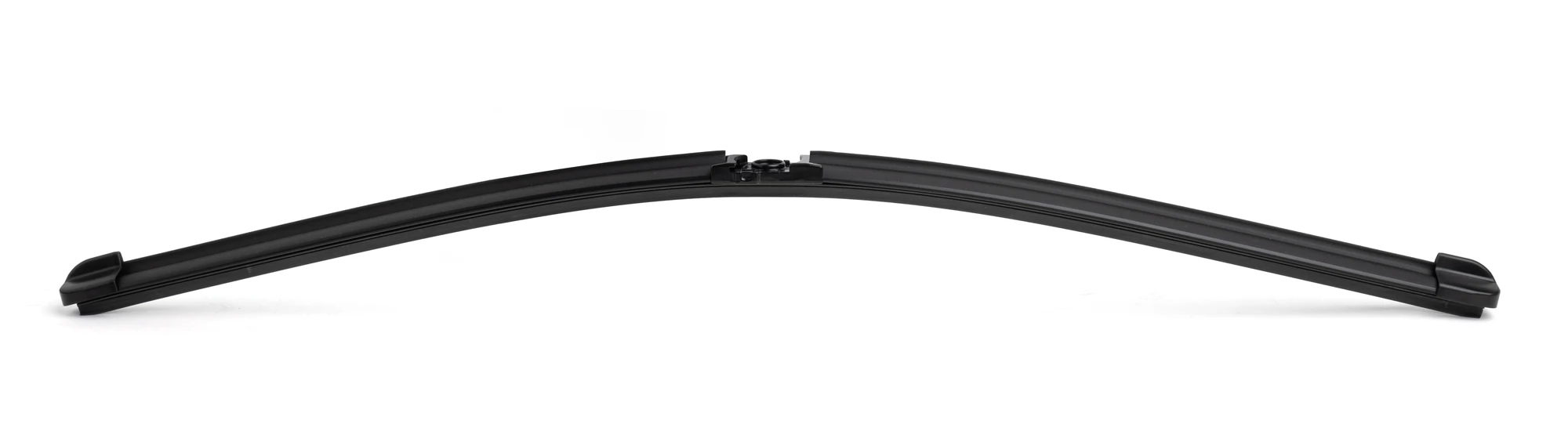
Use a separate matrix row for each catalogue reference represented by these images. Visual similarity does not justify merging their approval records.
How should unresolved requirements be managed?
Write the missing input and next action beside the affected row. “Need underside photograph of sample A” is more useful than “awaiting details.” If one customer code covers several alternatives, identify each alternative until a specific combination is agreed.
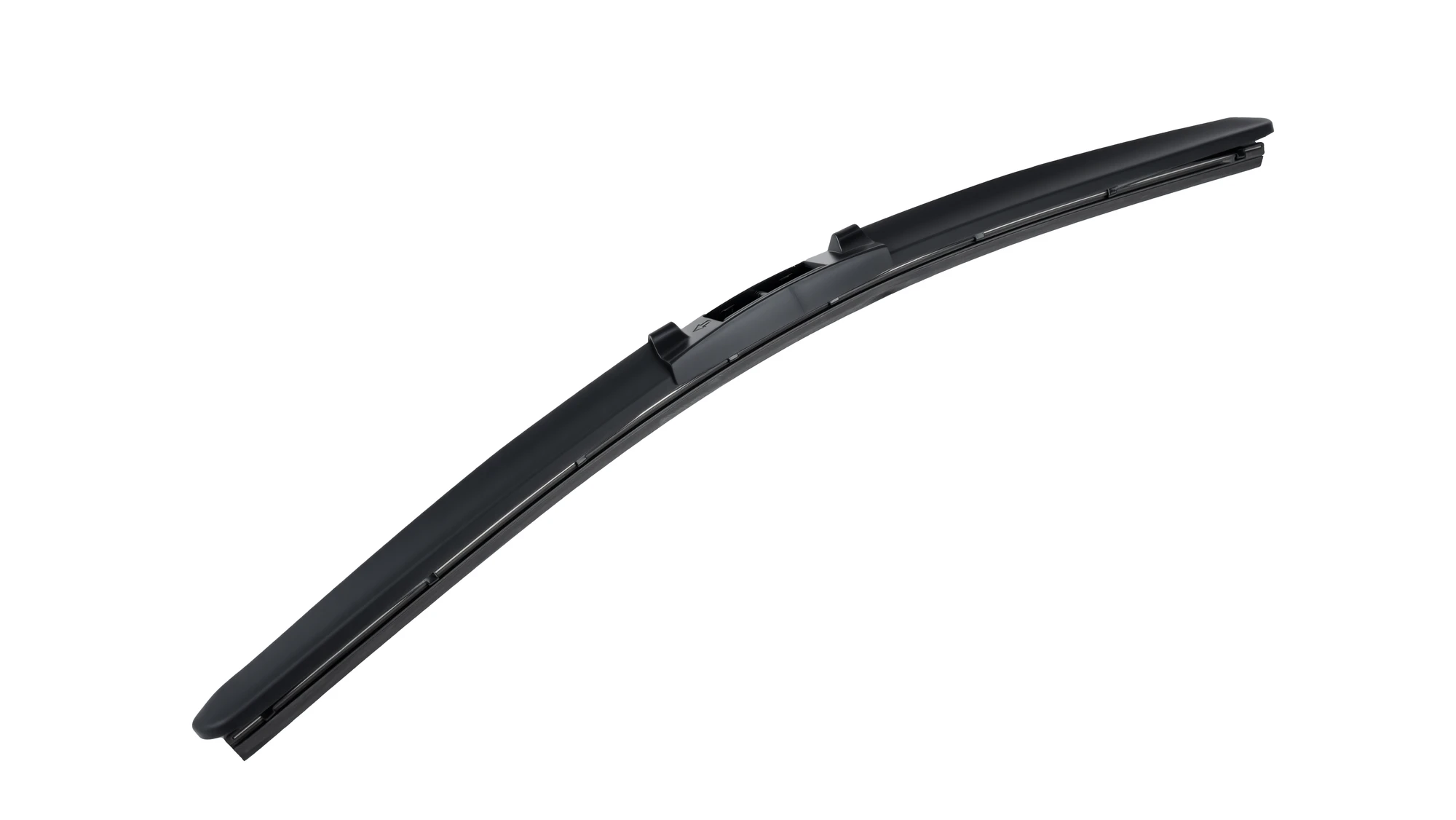
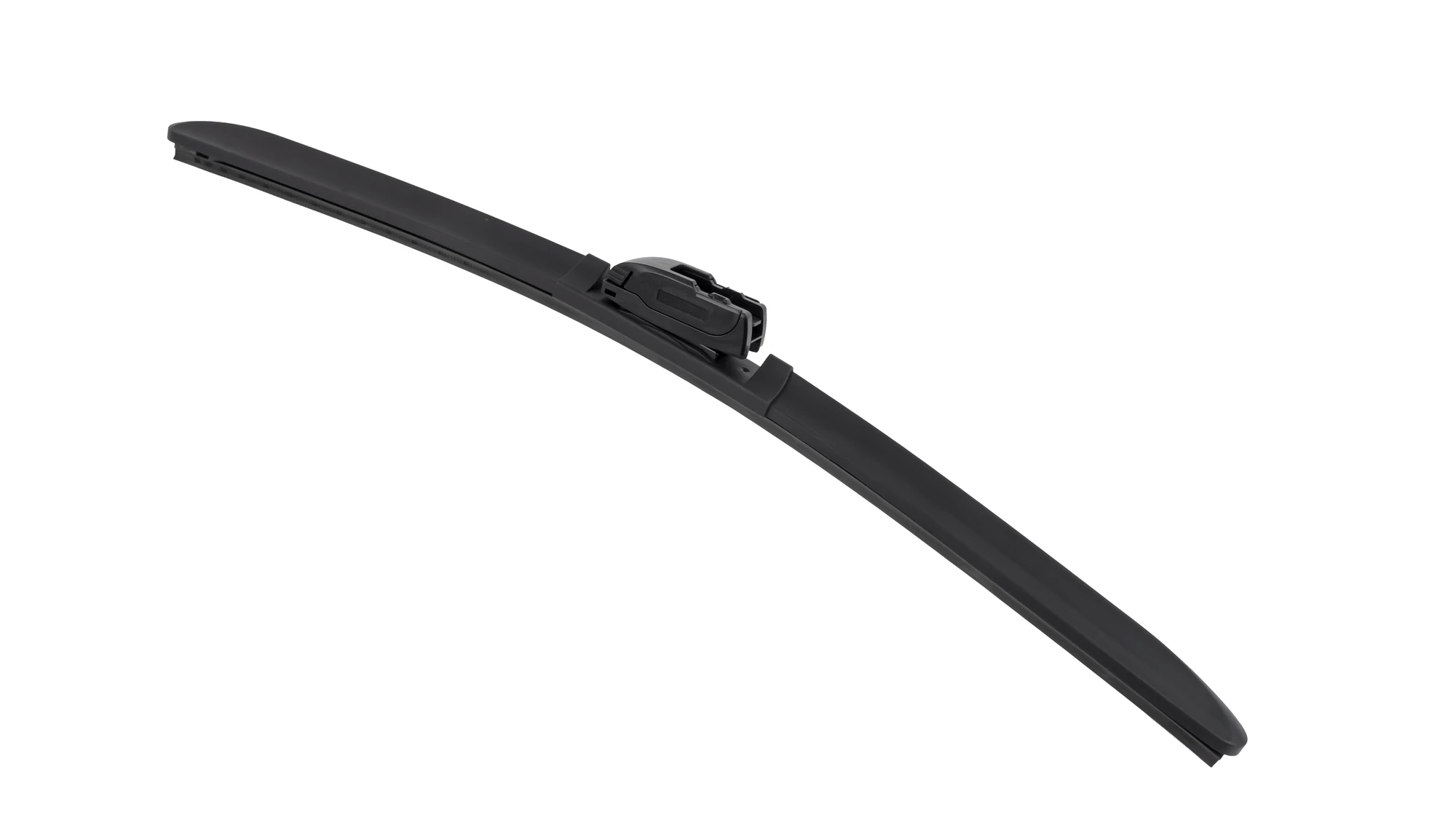
The additional catalogue photographs also require their own model and evidence references when used in a project matrix.
Use one row for one decision boundary
A row should identify a particular supplied item or combination. If a customer code is being compared with two catalogue candidates, keep two candidate lines until a decision is reached. Combining them into one cell with several photographs can make it unclear which sample or drawing supports the eventual order.
A hypothetical row might read: customer item A; rear position; body and connector required; candidate model not yet confirmed; Sample R1; underside photograph missing; next action to clarify the body-side interface. This is already a useful entry because it identifies both the object and the next question. Empty approval fields do not need to be filled with guesses.
Separate evidence status from purchasing status
A technically plausible candidate can still lack an agreed supply composition. A fully defined item can still have an unresolved packing request. Use separate fields for these states so “ready for quotation” is not mistaken for “approved for volume supply.”
The same distinction helps when a project pauses. A later colleague can see which work was completed and which decision remains, instead of restarting identification or assuming that an earlier positive comment covered every requirement.
Review changes by following the affected rows
When a component or instruction changes, identify every combination that refers to it. Review those rows and record the impact. A change to one adapter may affect several combinations, while a customer-specific label may affect only one packing arrangement.
Keep an issued matrix version with the order discussion and retain the previous version for earlier decisions. The matrix is a map to the supporting documents, not a replacement for the drawings, samples or instructions themselves.
How does the matrix become an order attachment?
Issue a clearly identified version containing the agreed items and the documents supporting them. Keep unapproved alternatives distinguishable from order lines and check that quantities reconcile with the packing definition. For field ownership use the document guide; for mixed-order receiving use the multi-model guide.
FAQ
Keep alternatives on separate candidate lines while their evidence or status differs. Merge them only when the intended relationship is explicitly defined; otherwise the approval reference can become ambiguous.
No. It connects each item to its evidence, status and order definition. The referenced drawings, sample records and installation instructions still support the underlying decisions.